Table of Contents
- How to use this list
- Your website is slow on mobile
- The mobile layout fights the visitor
- The design looks dated or generic
- Visitors cannot find what they came for
- Calls to action are weak, vague or buried
- You do not show up where local buyers search
- The copy is thin, generic or all about you
- Nothing on the page builds trust
- You cannot tell which pages and channels produce booked calls
- Forms and follow-up leak the leads you already won
- What to fix first
- FAQs
- Next step: fix the leaks before you buy more traffic
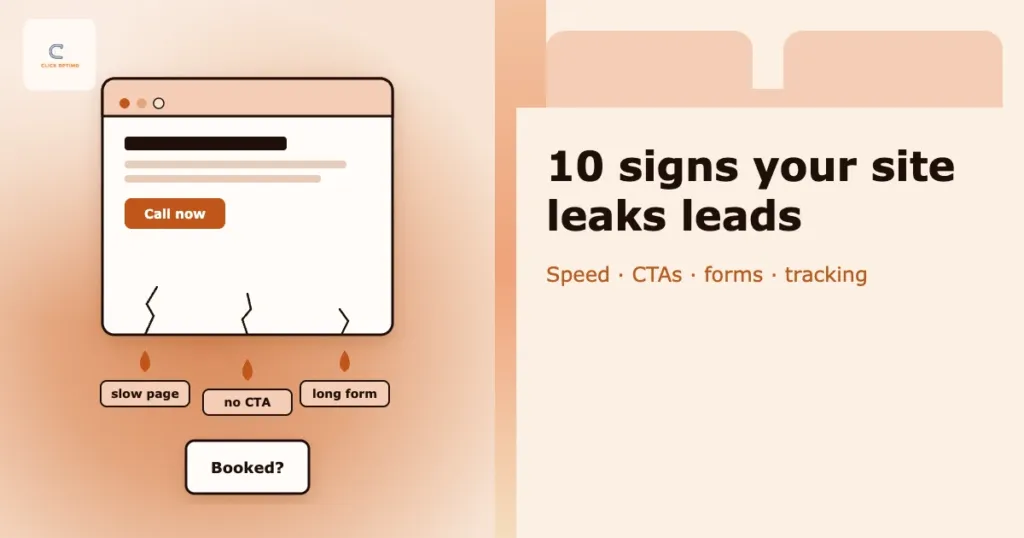
Traffic is up. The phone is not. For a service business, that gap usually lives on the website: the page crawls on 4G, the phone number hides in the footer, or the form asks eleven questions before anyone will call back. Nobody complains. Visitors simply leave and ring the next firm on the list.
This post is for owners and growth leads of service businesses — trades, clinics, home services, professional firms — across the US, UK, AU, CA and NZ, who pay for traffic through Google Ads or SEO and want more of it to become booked, qualified calls. Below are ten signs your website is leaking leads, a quick check for each one, and what to fix first.
No invented benchmarks here. Every market and offer is different, so each sign comes with a check you can run on your own site and your own numbers.
Traffic you cannot turn into booked calls is a cost, not an asset.
How to use this list
Work through the ten signs on the pages that matter most: the landing pages Google Ads sends people to and the service pages that earn organic clicks. Score each sign green, amber or red. Fix the reds on your highest-traffic pages first rather than trying to improve the whole site at once.
| Sign | Quick check | Usually fixed by |
|---|---|---|
| 1. Slow on mobile | PageSpeed Insights (mobile) on your top three landing pages | Developer / hosting |
| 2. Mobile friction | Try to book a job on your own phone, one-handed | Designer / developer |
| 3. Dated or generic design | Five-second test with someone outside the business | Designer + copy |
| 4. Hard-to-find information | Area, services, hours and contact in two taps? | Content / UX |
| 5. Weak or buried CTAs | Call or book button visible without scrolling on mobile? | Designer / CRO |
| 6. Not found in local search | Search Console clicks on money pages | SEO |
| 7. Thin or generic copy | Does each service page answer the questions your front desk hears? | Content |
| 8. No trust signals | Reviews, accreditations and real photos near the CTA? | Marketing |
| 9. No booked-call tracking | Can you name the channel behind last week’s bookings? | Tracking |
| 10. Form and follow-up leaks | Submit your own form and time the reply | Operations / CRM |
1. Your website is slow on mobile
Speed is the first filter. Someone searching for an emergency plumber or a same-week appointment will not wait for a hero video to load. Slow pages also waste paid traffic: you pay for the click whether or not the page ever finishes loading.
Check: run your top three landing pages through Google PageSpeed Insights on the mobile tab and look at Core Web Vitals. Then open the same pages on your own phone using mobile data, not office Wi-Fi.
How to fix it
- Resize and compress images (WebP), and serve them at the size they actually display
- Remove sliders, plugins and third-party scripts that do not earn their weight
- Use decent hosting with page caching turned on
- Lazy-load images and videos below the fold
Deeper guide: how slow sites cost booked calls.
2. The mobile layout fights the visitor
Most service searches happen on phones, often in a hurry. Tiny text, tap targets packed together, pop-ups that cover the page and menus that need three taps all cost calls. Google also looks at the mobile version of your site first, so mobile problems quickly become SEO problems.
Check: try to book a job on your own site using one hand. Note every moment you pinch, zoom or hunt for a button.
How to fix it
- Responsive layout with readable body text (around 16px or larger)
- Tap-to-call number and a booking button in the header or a sticky bar
- Buttons and links large enough to tap without zooming
- No full-screen pop-ups on mobile
3. The design looks dated or generic
Visitors judge credibility in seconds. A tired layout, stock photos of people who are clearly not your team, broken widgets or an old copyright year all suggest the business might be just as neglected. That is unfair, but it is how people choose between three similar firms.
Check: show your homepage to someone outside the business for five seconds, then ask what you do, where you work and how to get in touch. If they cannot answer all three, the design is getting in the way.
How to fix it
You rarely need a full rebuild. Start with a headline that names the service and the area, real photos of your team and your work, consistent brand colours and less clutter. When the site genuinely cannot be updated, see website design and CRO.
4. Visitors cannot find what they came for
Service buyers arrive with a short list of questions. Do you cover my area? Do you do this job? Roughly what will it cost? How soon can you come? How do I reach you? When the answers sit in PDFs, hidden accordions or the About page, people leave.
Check: from your homepage on mobile, can you find your service area, your list of services, opening hours and contact options within two taps?
How to fix it
- Keep the main menu simple: services, areas, about, contact
- Give each core service its own page instead of one long “what we do” page
- State the areas you cover clearly, and build location pages that convert when you serve several towns
- Show opening hours and your phone number in the header or footer
5. Calls to action are weak, vague or buried
“Learn more” and “Submit” do not tell anyone what happens next. Neither does a single contact link at the bottom of a long page. Every money page needs one clear next step that matches how your customers buy: call, book or request a quote.
Check: on mobile, is a call or booking button visible without scrolling? Is the wording specific, such as “Book a free survey” or “Call for a same-day quote”?
How to fix it
- One primary call to action per page, repeated after key sections
- Say what happens next, for example how quickly you call back — only if you can keep that promise
- Offer a short form as a second option for people not ready to call
- Match ad landing pages to the search; see landing pages that turn service ad clicks into booked calls
6. You do not show up where local buyers search
If your site does not appear for “service + town” searches or in the Map pack, you end up paying Google Ads for enquiries that organic search could have supported. Weak rankings usually trace back to thin service pages, missing location signals, a neglected Google Business Profile or technical issues.
Check: in Google Search Console, look at the last three months of queries and clicks for your service pages. Are they getting impressions for the searches that pay the bills?
How to fix it
- One strong page per core service, with a unique title and meta description
- Internal links from blog posts to the service pages they support
- A complete, active Google Business Profile set up for calls
- Use Search Console to prioritise money pages before writing more content
More: SEO for service businesses.
7. The copy is thin, generic or all about you
“We are a leading provider of quality solutions” could sit on any website. Buyers want specifics: what the job involves, how long it takes, what affects the price, what happens on the day and which areas you cover. Thin copy also gives Google little reason to rank the page.
Check: read one of your service pages as a customer would. Does it answer the questions your front desk hears every day?
How to fix it
Write service pages from real customer questions. Explain your process in plain English, show price ranges or “what affects the cost” where you can, and cut keyword-stuffed filler.
Quick win: ask whoever answers the phone for the ten questions they hear most. Each one is either a missing paragraph on a service page or a missing FAQ.
8. Nothing on the page builds trust
People hesitate when they cannot see proof that you are real, local and good at the job. Service buyers are letting you into their home or trusting you with their health, money or legal matter. For them, trust is the conversion.
Check: near your main call to action, can a visitor see reviews, accreditations or memberships, real team photos, and your address or service area?
How to fix it
- Show recent, genuine reviews from Google or other review platforms
- Display accreditations, memberships and guarantees you actually hold
- Add short case examples, with the customer’s permission
- Keep HTTPS valid across the whole site and show a named person or team
9. You cannot tell which pages and channels produce booked calls
Many sites have Google Analytics installed but no conversion tracking that sales would recognise. Form fills get counted twice, website calls are not tracked at all, and nobody can say which campaign or page produced last week’s bookings. Without that, every other fix on this list is guesswork.
Check: can you name the channel and landing page behind last week’s booked calls? If not, treat this as sign one, not sign nine.
How to fix it
- Track calls (click-to-call and call tracking numbers), form submissions and booking confirmations as key events in GA4 and as conversions in Google Ads
- Mark “booked” in your CRM or diary so you can tell enquiries from real bookings
- Reconcile reported conversions against the diary every week
Guides: tracking booked calls, not clicks and the minimum viable measurement stack. Service: analytics and tracking.
10. Forms and follow-up leak the leads you already won
A lead is not a booking yet. Long forms with ten required fields, checks that fail on mobile, thank-you pages that say nothing and replies that arrive the next afternoon all lose people who had already decided to get in touch. Spam submissions can bury the real enquiries too.
Check: submit your own form on mobile and time how long a human takes to reply. Then call your number outside office hours and see what happens.
How to fix it
- Ask only for what you need to call back: name, phone, postcode and job type
- Use a thank-you page that says what happens next and when
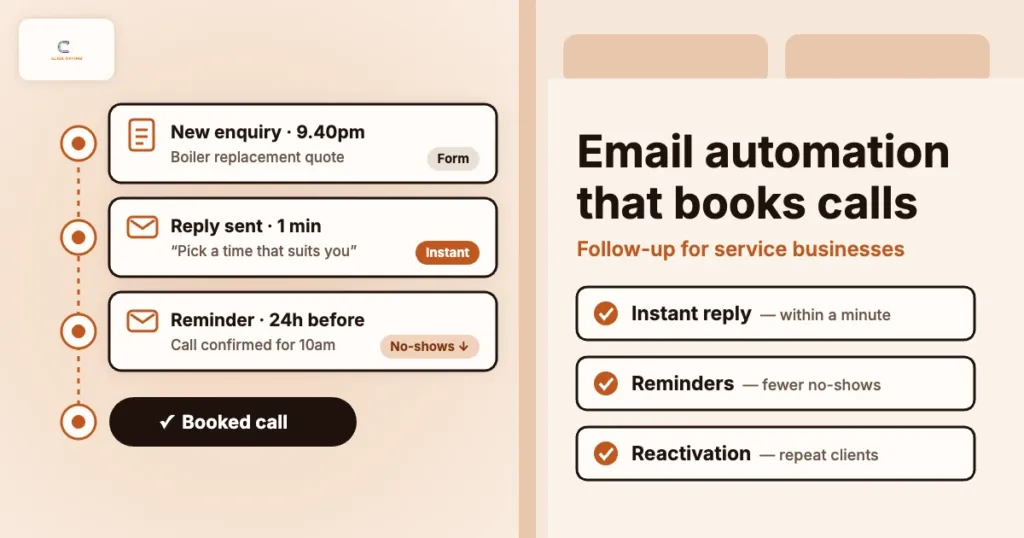
- Send an instant alert to whoever makes the call-back, and set a response-time target
- Filter spam without blocking real people; see lead quality scoring and spam forms
What to fix first
Do not try to fix all ten at once. For most service businesses, this order works:
- Tracking (sign 9) — so you can see whether the other fixes work
- Speed and mobile (signs 1 and 2) on your top landing pages
- Calls to action and forms (signs 5 and 10) — usually the fastest wins
- Trust and copy (signs 7 and 8)
- Findability and SEO (signs 4 and 6) — slower, but they compound
- Design refresh (sign 3) — once the basics are in place
Change one thing at a time on the pages with the most paid and organic traffic. Then compare booked calls, not just form fills, over the following weeks.
FAQs
How do I know if my website is losing leads?
Compare traffic with booked calls over time. If traffic grows but enquiries and bookings stay flat, or your cost per booked call keeps rising, the website is probably leaking. Run the ten checks above on your top landing pages.
Do I need a full website redesign?
Usually not. Most leaks — speed, calls to action, forms, trust signals and tracking — can be fixed on the pages you already have. A redesign makes sense when the site cannot be edited easily, is not mobile-friendly, or no longer matches the business.
What is a good conversion rate for a service business website?
It varies widely by industry, traffic source and offer, so avoid chasing a generic benchmark. Measure your own rate from visit to booked call for each landing page and improve against that baseline.
How long does it take to see results after fixing these issues?
Changes to calls to action, forms and speed can show up in enquiry numbers within a few weeks if traffic is steady. SEO improvements usually take longer, often several months.
How can ClickOptimo help?
A Growth Diagnostic reviews your top landing pages, tracking and paid traffic, and ranks website leaks by their impact on booked calls. Book via /book/.
Next step: fix the leaks before you buy more traffic
Do not raise ad spend while the website loses the clicks you already pay for. Run the ten checks, score each one, fix tracking first, then work down the list on your highest-traffic pages.
Book a Growth Diagnostic — twenty minutes, leaks ranked by diary impact.
More context: Growth Diagnostic · website design and CRO · services
growth@clickoptimo.com · +91-8497982579