Table of Contents
- What GA4 is, in plain English
- What GA4 can and cannot tell a service business
- How to set up GA4 properly
- Track the actions that lead to booked calls
- The five reports beginners should use first
- Engagement metrics, explained
- Turning GA4 data into decisions
- Common GA4 mistakes to avoid
- A 15-minute weekly GA4 routine
- FAQs
- Next step: make GA4 count bookings, not visits
Google Analytics 4 is installed on most business websites. Far fewer owners can use it to answer a simple question: which marketing brought in last week’s booked calls? GA4 is not hard because it is clever. It is hard because the default setup counts page views and clicks, not the things a service business actually cares about.
This beginner’s guide is for owners and growth leads of service businesses — trades, clinics, home services, professional firms — across the US, UK, AU, CA and NZ. It explains what GA4 is, how to set it up properly, which reports to use first and how to connect it to booked, qualified calls instead of vanity traffic.
No jargon for its own sake. Where GA4 has a technical term, we explain it in plain English and tell you whether you need to care.
Analytics that cannot tell you where bookings came from is just a visitor counter.
What GA4 is, in plain English
GA4 is Google’s free analytics tool for websites and apps. It replaced Universal Analytics, which stopped collecting data in 2023. The big change is that GA4 records almost everything as an event: a page view, a scroll, a click on your phone number, a form submission or a completed booking.
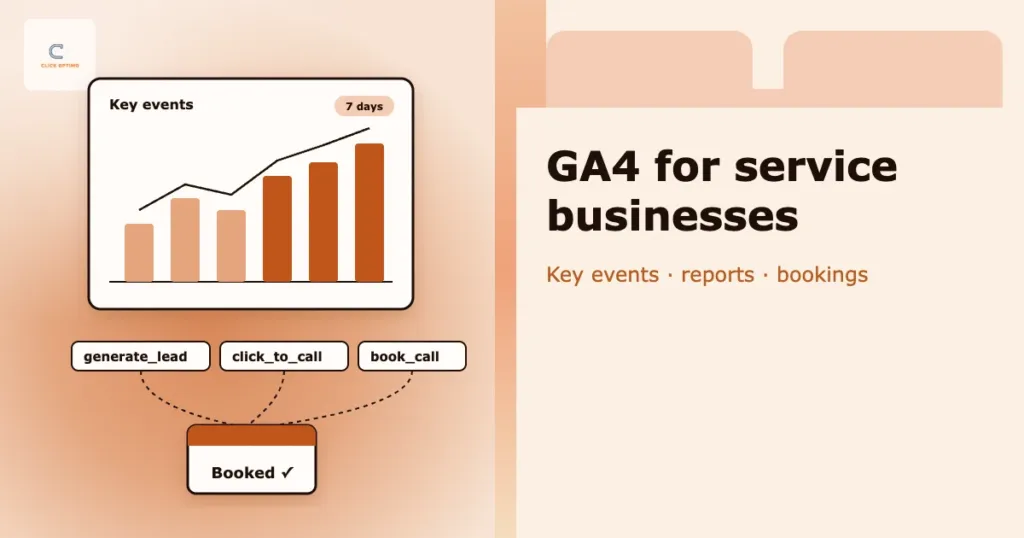
Events you care most about, such as enquiries and bookings, can be marked as key events (GA4’s current name for what used to be called conversions). Those key events are what you report on, compare by channel and share with Google Ads.
What GA4 can and cannot tell a service business
Before setting anything up, it helps to know where GA4 is strong and where you need other tools.
| Question | Can GA4 answer it? | What you need |
|---|---|---|
| Where do visitors come from? | Yes | Traffic acquisition report |
| Which pages do people land on? | Yes | Landing page report |
| How many forms were submitted? | Yes, once tracked | A form submission event marked as a key event |
| How many people tapped to call? | Yes, once tracked | A click-to-call event |
| How many phone calls came in? | Only partly | Call tracking numbers linked to GA4 or Google Ads |
| Which enquiries became booked jobs? | Not on its own | Your CRM or diary, reconciled weekly |
| What is my cost per booked call? | Not on its own | Ad spend plus booked calls from your CRM |
In short: GA4 tells you what happened on the website. Your CRM or diary tells you what happened next. You need both to see what marketing is really worth.
How to set up GA4 properly
1. Create a property and a web data stream
In GA4, create a property for your business, then add a web data stream for your domain. Set the correct time zone and currency so reports line up with your diary and invoices.
2. Install the tag once
Add the Google tag to every page, either directly, through your website platform or through Google Tag Manager. Use one method only; installing GA4 twice is one of the most common causes of doubled numbers.
3. Check enhanced measurement
Enhanced measurement automatically records useful events such as scrolls, outbound clicks, site search, video engagement and file downloads. Keep it on, but check that its form tracking does not double-count with the form events you set up yourself.
4. Extend data retention
By default, GA4 keeps detailed user-level data for only two months, which limits comparisons in Explorations. In the data retention settings, change it to 14 months.
5. Filter out noise
Define and exclude internal traffic from your office and team, and add booking or payment domains to the list of unwanted referrals so returning customers are not credited to those sites.
6. Link Google Ads and Search Console
Linking Google Ads lets you see campaign performance in GA4 and share key events with Ads. Linking Search Console brings organic search queries and landing pages into GA4.
Track the actions that lead to booked calls
Out of the box, GA4 will not tell you how many people tried to book. Set up these events and mark them as key events:
- Form submission — fire on a successful submit or thank-you page, not on clicking the button
- Click to call — taps on your phone number links, especially on mobile
- Booking confirmed — when an online booking actually completes
- Calls from the website or ads — through call tracking numbers, if phone is a major channel
Then share the most important key events with Google Ads, so bidding learns from enquiries rather than clicks. Finally, mark in your CRM or diary which enquiries became booked jobs, and reconcile the two every week. Our guide to tracking booked calls, not clicks walks through the full setup, and the minimum viable measurement stack shows how GA4, call tracking and Google Ads fit together.
Naming rule: choose clear, consistent event names — for example generate_lead, click_to_call and book_call — and write down what each one means. Future you, and anyone who inherits the account, will thank you.
The five reports beginners should use first
GA4 has dozens of reports. These five answer most everyday questions:
- Realtime — check that tracking works right after you change something, such as submitting a test form
- Traffic acquisition — which channels bring visitors, and which of them produce key events
- Landing page — which pages people arrive on, and which of those lead to enquiries
- Pages and screens — which pages get attention and which are ignored
- Events and key events — how often each tracked action happens, and whether counts look sensible
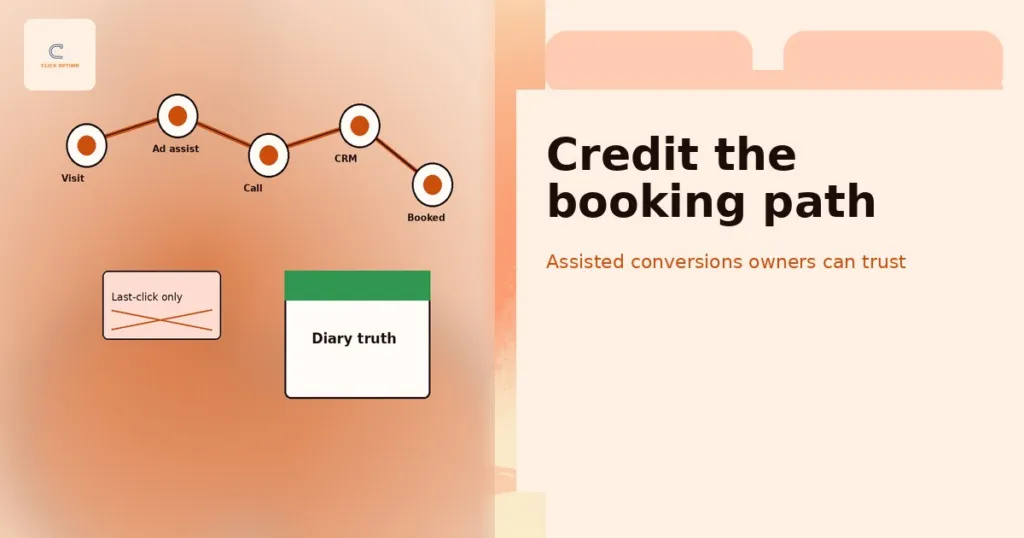
Once these feel familiar, Explorations let you build custom reports, such as the path people take before they enquire. For longer sales cycles, see attribution and assisted conversions.
Engagement metrics, explained
GA4 measures engagement differently from the old version. An engaged session is one that lasts longer than 10 seconds, includes a key event, or includes at least two page views. Engagement rate is the share of sessions that were engaged, and bounce rate is simply the opposite: the share that were not.
Use these as health checks, not goals. A landing page with a low engagement rate deserves a look, but the number that matters is still how many enquiries and bookings it produces.
Turning GA4 data into decisions
Reports only matter if they change what you do. Here are three common patterns and the decisions they point to.
A channel brings traffic but no enquiries
If a paid campaign or social channel sends plenty of visitors but almost no key events, check the landing page and the audience before adding budget. Often the ad promises one thing and the page talks about another, or the traffic comes from searches you would never win. Pair GA4 with the wasted Google Ads spend checklist to find the leak.
A page gets visits but nobody enquires
A popular service page with a low enquiry rate usually has a buried phone number, a vague call to action or a long form. Improve one thing at a time and watch the key event rate for that page over the next few weeks. Our list of signs your website is costing you leads is a good starting checklist.
Enquiries rise but bookings do not
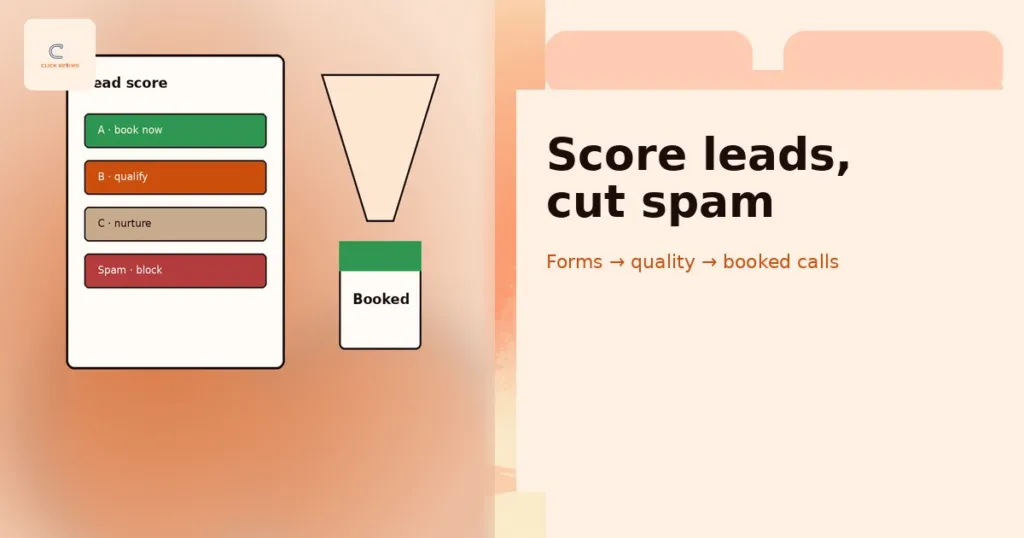
When GA4 shows more enquiries than your diary does bookings, the gap is usually lead quality or follow-up speed rather than marketing reach. Review which channels send the enquiries that never book, filter spam, and check how quickly your team replies. See lead quality scoring and spam forms.
Common GA4 mistakes to avoid
Double-counting enquiries
Form events that fire on button clicks, on page reloads or twice through two installs make GA4 report more leads than your inbox receives. Test every key event and compare it with real enquiries.
Leaving default settings
Two-month data retention, unfiltered internal traffic and booking domains counted as referrals all distort reports quietly.
Trusting “direct” and “unassigned” blindly
Large amounts of direct or unassigned traffic often mean missing campaign tags or broken tracking, not loyal visitors. Add UTM tags to email, social and offline links.
Ignoring consent
If you serve visitors in the UK or EU, you need a proper consent banner, and consent choices affect what GA4 can record. Set up Consent Mode so data is handled correctly and gaps are understood. Since February 2026, UK rules allow some simple analytics without consent, but GA4 linked to Google Ads for conversion tracking still needs it.
Judging success on sessions
More sessions is not the same as more work. Review channels and landing pages by key events and booked calls. See why cost per lead can mislead you.
A 15-minute weekly GA4 routine
- Open Realtime and confirm key events are still firing
- In Traffic acquisition, compare key events by channel with the previous week
- Check the Landing page report for pages with traffic but no enquiries
- Compare GA4 enquiries with your inbox, call log and diary
- Note one change to test on the website or in campaigns next week
FAQs
Is GA4 free?
Yes. The standard version of GA4 is free and is enough for almost every small and mid-sized service business. Google also sells an enterprise version, Google Analytics 360, for very large sites.
Does GA4 track phone calls?
It can track taps on phone number links. Calls from people who dial your number manually, or call straight from an ad, need call tracking numbers or Google Ads call reporting.
Why do GA4 and Google Ads show different conversion numbers?
The two tools use different attribution settings, count conversions on different dates, and Google Ads can include calls and conversions that never touch the website. Small differences are normal; large gaps usually mean a tracking problem.
How long does GA4 take to show data?
Realtime shows activity within seconds. Standard reports can take up to a day or two to fully process, so check Realtime when testing and wait before judging trends.
Do I need Google Tag Manager for GA4?
Not always. The Google tag on its own is fine for basic tracking. Tag Manager becomes worthwhile when you track several events, run Google Ads and other ad pixels, or want to change tracking without editing the website each time.
How can ClickOptimo help?
A Growth Diagnostic checks your GA4 setup, key events, Google Ads and call tracking against your real bookings, and ranks the gaps by impact. Book via /book/.
Next step: make GA4 count bookings, not visits
Set up the property properly, track the handful of actions that lead to booked calls, and review five reports every week alongside your diary. That is enough to stop guessing and start funding what works.
Book a Growth Diagnostic — twenty minutes, tracking gaps ranked by diary impact.
More context: Growth Diagnostic · analytics and tracking · services
growth@clickoptimo.com · +91-8497982579